0 Chars
 Name Design
Name Design
Name Design
In PUBG, your name is the last thing an opponent sees in the kill feed and the first thing a teammate reads in the lobby. Type yours above to preview stylish nicknames, clan tags and symbol designs, then copy your favorite.
The tool is free, instant and creates plain text, so you can test your new look in seconds.
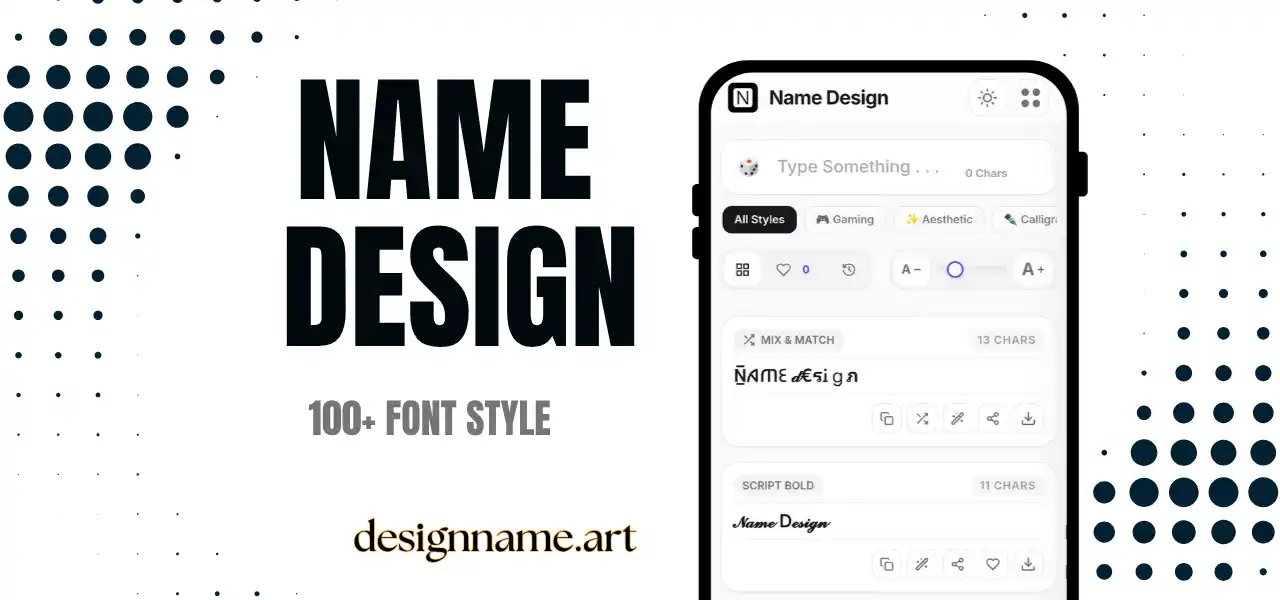
A PUBG name generator restyles your nickname with decorative Unicode characters, giving a simple handle a bolder and more memorable look. You type your base name once, and the tool shows it in bold, gothic, small caps, symbol-wrapped and joined styles, so you can compare them side by side.
PUBG matches can be tense, with squads forming quickly and players learning each other's names in a few seconds. A name that is distinctive, readable and easy to say helps your teammates remember you and gives your profile a clear identity across seasons.
This page belongs to our name design collection, so each style updates live with your own text.
Every result is plain text made from Unicode, the global standard that gives each character its own code. Unicode includes bold alphabets, fraktur and gothic letters, small capitals, enclosed letters and many symbols such as crosses, bolts, stars and brackets.
The generator swaps each letter for a matching character and can place symbols around or between letters. You copy the result and paste it where the game allows custom characters.
PUBG is available on several platforms, and name handling can differ between them. On some platforms, the in-game name is tied to a platform account, which can limit which characters you can use or how often you can change your name. On others, you choose an in-game nickname directly.
Because rules and features change with updates, check the current options in the game before you plan a name. If a platform restricts symbols, use a simpler style such as small caps or bold.
Start with a short base word that you can say quickly. Squads talk fast in voice chat, and long or unusual names are easy to forget. Two syllables work best.
Consider your role. Aggressive players often prefer sharp shapes and bolt or sword symbols. Snipers and support players may like calmer lettering with fewer symbols. Streamers should pick something that is easy to read on camera and in a small chat overlay.
Add the style at the end. A good name with a little decoration is more memorable than a weak name hidden under a pile of symbols.
A clan tag is a short code that shows which team you represent. Most players place two to four characters before their name, framed by brackets or a symbol. Keep the tag different in style from your name, so both parts remain readable.
When all members of a team use the same lettering and divider symbol, the squad looks organized in lobbies and on stream. It also helps spectators recognize your team in recorded matches.
Games often filter characters. A symbol that appears in your lobby might be blocked when you change your name, or shown as an empty box on a friend's device. Test a short version before you commit to a long design.
If a name change costs an in-game item or has a waiting period, preview the exact text carefully. Copy it exactly as shown and check how it looks on your own device.
Many players use the same style on YouTube, Instagram and Discord so that fans recognize them everywhere. Save your favorites with the heart button, and use the download button to export a style as an image for a channel banner or team poster. Keep a plain version in your public description so friends can search for you.
This tool only gives you text. Never share account passwords, verification codes or login details with anyone who offers free items, free name changes or special styles. Real changes happen inside the game, and websites that ask for your login are scams.
Some phones may show empty boxes for rare symbols. If that happens, switch to a common style such as small caps or bold, and test the name on another device when possible.
Quick answers about the pubg name generator.
Yes. You can preview, copy and share every style for free with no login.
No. The game may block or replace some characters, and rules can differ between platforms and change with updates. Test a short version first.
You can try, but each game has different character rules. Keep a plain version ready in case a symbol is rejected.
Put a short tag of two to four characters before your name, separated by brackets or a small symbol.
Your device may lack a font for that character. Choose a more common style such as small caps or bold.
The text itself is safe. Never share your account password or codes with sites that promise free items.