0 Chars
 Name Design
Name Design
Name Design
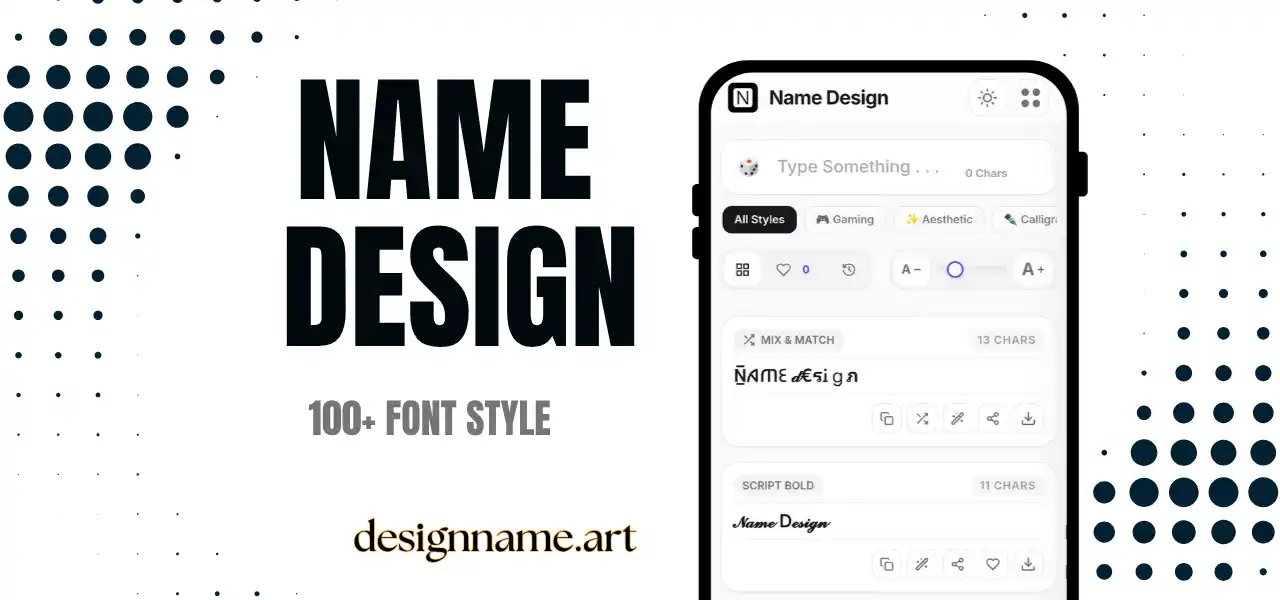
Name Design Art - Create stylish Fancy Fonts and Nickname using Name Changer. Copy and Paste 100+ Cursive, Bold and Aesthetic Name Styles For Games.
Whether you are building a gamer tag, polishing an Instagram bio or choosing a nickname for Discord, this free name design tool gives you ready-to-paste results without any app or font installation.
Your name is the first thing people see on a profile, a scoreboard or a group chat. Name design is the simple craft of making that name look intentional. Instead of settling for the default keyboard letters, you restyle each character with a decorative alternative, add a few symbols around it and end up with a name that feels like yours.
Good name design is not about making text complicated. It is about personality. A soft, curvy script can suggest a calm and creative profile. A sharp, blocky style can signal a competitive player. A tiny row of sparkles can turn an ordinary bio into something that looks polished and playful at the same time.
This page puts every one of those options in a single place. You type once, and every style updates live, so you can compare dozens of looks side by side and choose the one that fits the moment.
Many visitors ask how a styled name can be pasted into apps that never let you change fonts. The answer is that nothing here is a real font file. Each result is plain text built from Unicode characters.
Unicode is the global standard that lets phones, browsers and servers agree on which character is which. Alongside ordinary letters, it contains mathematical alphabets, circled and squared letters, tiny capitals, historic scripts and hundreds of decorative marks. Our generator maps every letter you type to a look-alike character from those sets. Because the output is text rather than an image or a font, it travels with you through copy and paste.
The practical result is simple: type your name, tap a style, paste it anywhere that accepts text. No downloads, no extensions and no special keyboard.
Attention is limited on every platform. When hundreds of usernames scroll past in a lobby or a comments section, a distinctive name is more likely to be noticed and remembered. Thoughtful name design gives you that edge without any extra cost.
People remember patterns. When you use the same style and the same small symbol across your gaming profile, your social accounts and your chat apps, friends and followers begin to recognize you at a glance. Consistency turns a nickname into a small personal brand.
A name can be cute, mysterious, elegant or intense. Choosing a style is a quick way to show which of those you are going for, long before anyone reads your bio or watches your first match.
Designing a name by hand means hunting for symbols one at a time. A generator does the heavy lifting in seconds and lets you try ideas that would be tedious to build manually.
The collection above is grouped into categories, so you can jump straight to the look you want. Here is a quick guide to the most requested ones.
In battle royale and shooter lobbies, your name sits next to your score. Players often combine a short clan tag with a personal handle, then connect the two with a symbol such as a cross, a wing or a blade. Keep it short, because many games cap the number of characters and some block unusual ones.
Display names and bios are the best places for decorative text. A single styled word followed by a few emoji can make a profile stand out in a crowded feed. Keep the username itself simple so people can still search for you.
Chat apps handle Unicode very well, so bold, italic and small caps usually appear correctly. They are also excellent for server nicknames, channel titles and status messages.
Streamers, designers and artists often use styled text for channel banners, link pages and bio headers. It adds personality in tight spaces, as long as the official name is spelled out somewhere in plain text.
A few simple habits separate a memorable name from a messy one. Keep these rules in mind before you copy and paste your new look across the web.
1. Readability comes first. A name that nobody can read cannot be spoken, searched or remembered. If a friend cannot say your name out loud, simplify it.
2. Choose one main style. Mixing several fonts in one word usually looks chaotic. The most attractive names pick a single style and add one or two small symbols for flavor.
3. Test on real devices. Not every phone supports every character. Send the name to yourself in a chat app and check how it looks before you commit.
4. Mind the length. Decorative symbols count toward character limits. The counter beside the input box shows how many characters you are using, so you can stay within a limit.
5. Keep a plain backup. Some platforms strip special characters. Having a simple version of your name ready avoids last-minute stress.
Quick answers about name design and how to use this tool.
Name design is the practice of restyling a plain name or nickname with decorative letters, symbols and spacing so it looks unique. Our tool does this instantly by swapping each letter for a matching Unicode character, which means you can paste the result into almost any app.
Yes. Every style on this page is free to preview, copy and share. There is no sign-up, no watermark and nothing to install. Your saved styles and history stay in your own browser.
Most styles will work, but every game filters characters differently. Some titles reject rare symbols or limit the number of characters. Test a short version first, and keep a plain backup if the game refuses a character.
Those boxes, often called tofu, appear when a device or app does not have a font that contains a particular character. Older phones and some operating systems are most affected. Switching to a more common style, such as bold or small caps, usually fixes it.
You can, but be careful. Fancy characters are often unreadable to screen readers and may not be found by search engines. For a company name, keep the official spelling in plain text and use styled versions only for decoration.
Pick one main style, add at most one or two small symbols, and always check that the name is still easy to read. Clean styles such as small caps, bold serif and light cursive look polished in most places.
It can. Search on most platforms matches plain text, so a heavily styled display name may be harder to find. A good compromise is to keep your username plain and style only your display name or bio.