0 Chars
 Name Design
Name Design
Name Design
Boxed letters wrap every character in a neat little square, giving a name the look of a label, a tile or a game token. Type your text above and see it appear in filled, outlined and framed box styles.
Everything here is free, works on all devices and produces plain text that you can copy and paste into most apps.
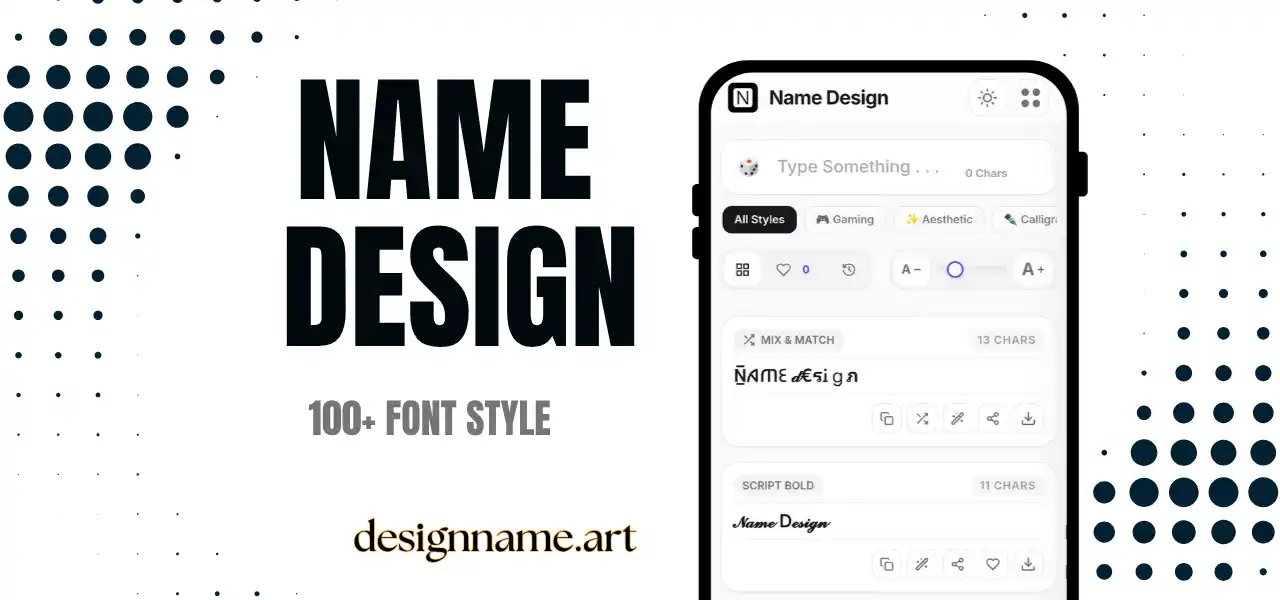
Boxed letters are Unicode characters in which each letter sits inside a square. Some boxes are filled with a dark background and a white letter. Others use a thin outline, and a few are drawn with brackets, corners or lines around plain letters.
They are useful because they create contrast without color. A boxed name looks like a badge, a keyboard key or a sticker, which is why it is popular in bios, game tags and short headings.
This page belongs to our name design collection, so every box style updates live with your own text.
Nothing is drawn or downloaded. The generator uses Unicode, the global standard that gives each character its own code. Unicode includes "negative squared" capital letters, "squared" capitals and several enclosed styles, which are the characters behind the effect.
Each letter you type is replaced with its boxed equivalent. The finished result is ordinary text, so you can paste it into chats, bios and captions without a special font.
Note that some boxed sets only exist for capital letters, and a few have no numbers. If a character does not convert, the generator keeps it as plain text.
A boxed word at the top of a bio works like a headline. Use it for a single keyword, such as your job or your hobby, and keep the rest of the bio plain.
Boxed text adds a strong silhouette to a gamer tag. Short clan tags in boxes are very common, and they stand out in lobbies filled with ordinary names.
In notes, posts and chat messages, boxed letters make quick headings. Because they are text, they work inside apps that do not support bold or larger fonts.
Word games, birthday messages and announcement posts feel more fun when each letter looks like a tile.
Use boxed letters in short bursts. A single word or a tag is stylish, but a full sentence becomes slow to read. Readers tend to slow down when every letter has a frame, so keep it to a few characters.
Pick capital-friendly names. Most boxed sets are designed for capitals, and the result looks best when your text is short and clear. Names such as "NOVA" or "RIO" look wonderful, while very long names can stretch beyond the available width.
Combine boxes with plain spacing. Leave a normal space between words so the shapes can breathe, and avoid adding extra symbols between every letter.
Compared with bold text, boxed text is more graphic and less formal. Bold simply adds weight, but boxes add structure. Compared with circled letters, boxes feel more technical and more masculine, while circles feel friendly and soft.
If you like the idea but want something calmer, try small caps or the square-letter styles. If you prefer more attitude, mix boxed letters with gothic or hacker-style symbols.
Some phones, especially older ones, display certain boxed letters as emoji. Because emoji pick up their own colors, a negative-squared "B" might appear as a red or blue button on one device, but black on another. Test the style on a phone before you use it in a bio or tag.
Screen readers may read each boxed letter as a long description, such as "negative squared Latin capital letter B." That can make a name hard to understand for people who use assistive technology, so keep important information, such as a business name, in plain text elsewhere.
Type your text in the box at the top of this page and look through the box styles in the list. Tap the copy button on a card to copy it, or press the heart to save a favorite for later. The download button exports any style as an image, which is handy for banners, avatars and story graphics.
Quick answers about the boxed letters generator.
Boxed letters are Unicode characters where each letter appears inside a square or frame. They are used for badges, tags, headings and playful text.
Yes. You can preview, copy and share every boxed style at no cost and without signing up.
Yes. They work in bios, captions and display names on most apps. Keep your username plain.
Some devices display certain boxed characters as emoji. Try another box style, or test on the phone where you will use it.
Many boxed sets only cover capital letters. Characters without a boxed version stay plain.
Not really. Search engines and platforms usually match plain text, so use boxed letters for decoration only.