0 Chars
 Name Design
Name Design
Name Design
Cute text feels like a sticker on a notebook: soft, friendly and a little bit playful. Type your name above and browse rounded letters, hearts, flowers and tiny animal faces, then copy the one that makes you smile.
The generator is free, instant and made of plain text, so your cute name can be pasted into most bios, chats and captions.
A cute font generator turns ordinary text into soft, sweet-looking characters and decorations. It mixes gentle letter styles with small hearts, flowers, stars, bunnies and bears, so a plain nickname becomes something that feels friendly and warm.
Cute style is closely related to the Japanese idea of kawaii, which celebrates things that are charming, small and lovable. Online, it appears in pastel profiles, stationery-style posts, fan pages, small shops and chat communities where people want a gentle mood.
This page is part of our name design collection, so every cute style updates live with your own text.
The styles use Unicode, the global standard that gives every character its own code so that devices can display it. Unicode contains rounded and small-cap letters, script alphabets, hearts, flowers, stars and many small symbols that look like decorations.
The generator swaps your letters for those characters and adds sweet accents around them. You receive plain text that can be pasted into most places that accept ordinary characters.
A cute display name and a short, sweet bio make a profile feel friendly the moment someone opens it. Keep the username simple, and place the decoration in the name or bio.
Discord, WhatsApp and other apps let you set nicknames. A cute nickname helps friends recognize you and sets a relaxed tone in group chats.
Fan accounts, art pages, journals and stationery shops often use cute lettering to match their visuals. It signals mood before anyone reads a word.
Small businesses selling stickers, candles, baked goods or accessories can test cute name styles here before choosing a final look for packaging and logos.
Begin with the mood. Soft and pastel profiles suit rounded letters, hearts and clouds. Nature-loving profiles suit flowers and leaves. Playful profiles suit bears, bunnies and sparkles.
Then check your name. Short, simple names look especially charming in cute styles. If your name is long, use the cute style on your first name only and keep the rest plain.
Finally, think about balance. Cute works best when it feels light. One or two decorations are charming, but ten look cluttered.
Cute and aesthetic overlap, but they feel different. Aesthetic text is usually calm, minimal and dreamy, often with wide letters and moon symbols. Cute text is warmer and more playful, with hearts, faces and bright little accents.
If you want a quiet, artistic mood, choose aesthetic. If you want a sweet and friendly mood, choose cute. You can also mix the two by using a soft style with a single heart.
Younger users deserve some extra care. A cute nickname should not include a full real name, birthday, school, address or phone number. Choose a nickname that is fun but does not reveal private details, and ask a trusted adult before creating public profiles.
Also be careful about copying cute names from other creators. A nickname that is unique to you is easier to remember and avoids confusion.
Most phones display these characters correctly, but a few older devices may show empty boxes. If that happens, choose a simpler style such as small caps or hearts.
Screen readers can read decorative symbols out loud, which may turn a cute name into a long list of descriptions. Use decoration lightly, and keep important information in plain text.
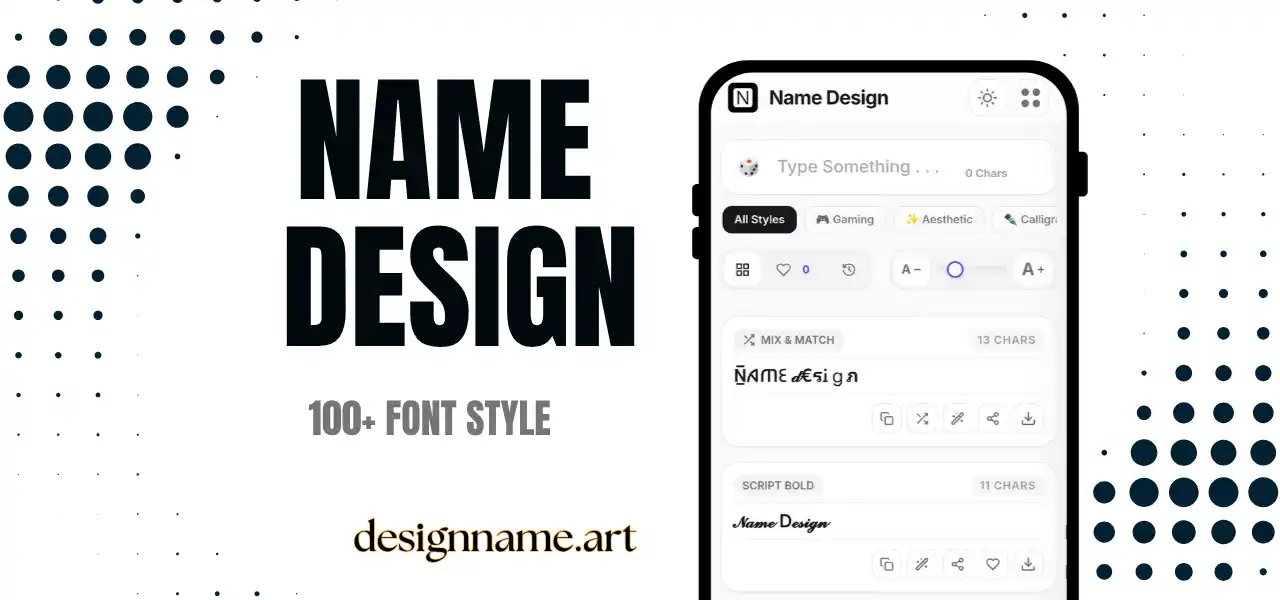
Type your name at the top, scroll the cards and tap copy on the style you like. Save favorites with the heart, and use the download button to turn a style into an image for avatars, stories or stickers.
Quick answers about the cute font generator.
It is a tool that converts text into soft, sweet-looking characters and adds small decorations such as hearts, flowers and animal faces.
Yes. Every style is free to preview, copy and share with no account.
They work in many bios, nicknames, captions and chats. Usernames and logins usually need standard characters.
Your device may not have a font for those characters. Try a simpler style such as small caps or hearts.
Cute text is warm and playful with hearts and faces, while aesthetic text is calm, minimal and dreamy.
Yes, but avoid including real names, birthdays, schools or addresses in public nicknames.