0 Chars
 Name Design
Name Design
Name Design
Glitch text looks like a screen that is breaking up: letters are crossed out, shifted or scratched by tiny marks. Type your text above and compare slash, strikethrough and distorted effects, then copy the one with the right level of chaos.
It is free, instant and made of plain text, so it can be pasted into many chats, bios and captions.
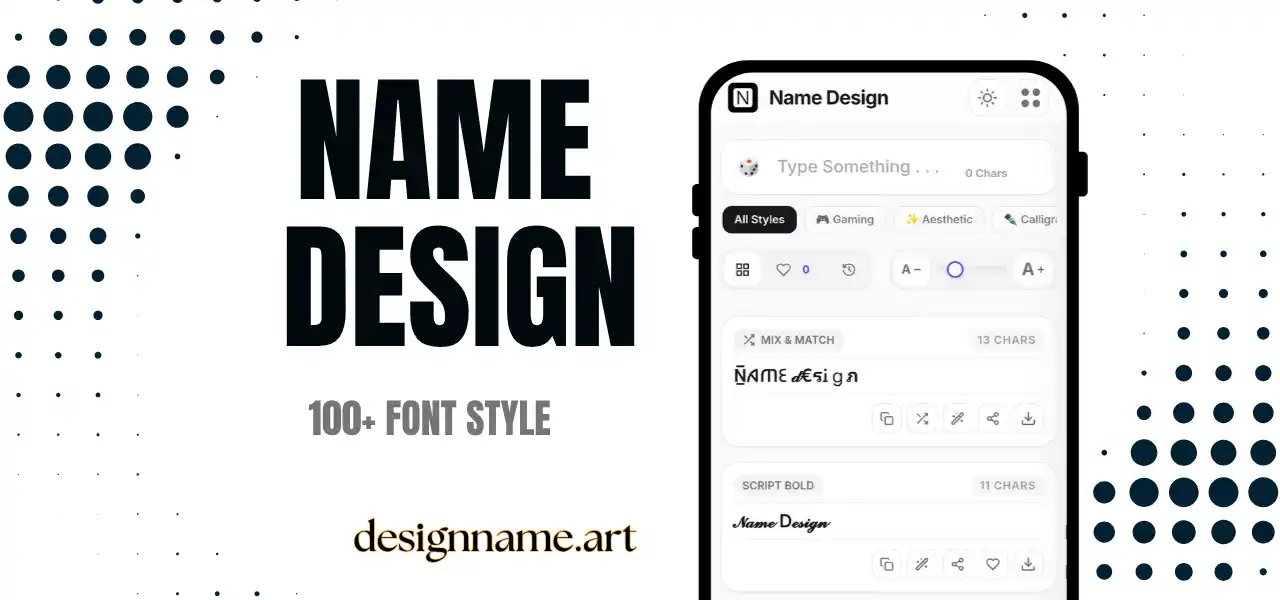
Glitch text is a style that imitates digital errors, such as flickering screens, corrupted files and broken signals. In the generator, it is created by adding extra marks to normal letters, such as lines through the middle, slashes over the top or combining symbols that stack above and below.
The result looks edgy and mysterious. It is popular in gaming names, music profiles, cyberpunk art, horror pages and fashion accounts that want a rebellious tone. It can also be a playful way to make a short phrase look intentionally broken.
This page is part of the name design collection, so each effect updates live with your own text.
The effects use Unicode combining characters. These are special marks designed to attach to the letter before them, such as accents, overlays and strike lines. Every letter in your text receives one or more of these marks, and the device draws them on top of the base character.
Because the effect is created with text, not images, you can paste it into places that accept ordinary characters. The result depends on the device and app, so the same line may look slightly different on a phone, a laptop and a website.
Glitch styles suit hacker, cyber and stealth themes. A glitchy tag looks distinctive in lobbies, but many games block combining marks, so test before you rely on it.
Experimental artists and alternative brands often use glitch text in bios and captions, because it signals digital culture and a break from clean design.
Short lines such as warnings, titles or story captions look unsettling in glitch text. Use it for effect, not for long paragraphs.
Strikethrough and slash effects are great for jokes, corrections and humorous captions where the crossed-out text is part of the message.
Light effects, such as a single strike or slash, keep the text readable. They suit usernames, short bios and captions. Heavier effects, with many stacked marks, create a more dramatic look, but readability drops quickly.
Match the effect to your message. If you need people to understand every word, choose a light effect. If the visual impact matters more than the words, a heavy effect is fine.
Also consider the size. Marks that look good on a large title may merge into a blur at small sizes. Test the line at the size where people will actually see it.
Compared with bold or cool text, glitch text is intentionally imperfect. Where gothic or fraktur styles suggest tradition, glitch suggests technology. Where aesthetic text is gentle, glitch is harsh and a little unsettling.
If you want something sharper but still clean, the cool and gaming collections may be a better fit. If you want a clean dark look, try small caps or bold with a single bracket.
Combining marks are less universally supported than ordinary letters. Some apps remove them, and some render the marks too high or too low, causing overlapping text. Platforms may also limit the number of combining marks to prevent display problems.
Accessibility matters here as well. Screen readers can read glitch text letter by letter, with long descriptions, which makes messages difficult to follow. Avoid glitch effects in important information, and always provide a clear plain-text version when the message matters.
Type your text at the top and scroll through the glitch effects. Tap copy on the effect you like, then paste it into your bio, caption or nickname. Use the heart to save favorites, and the download button to export a design as an image.
Quick answers about the glitch text generator.
Glitch text is a style that adds lines, slashes and combining marks to letters so that they look broken or distorted, like a digital error.
Yes. Every effect is free to preview, copy and share with no account.
Combining marks depend on the device and app, so the same text may stack differently or be removed.
Sometimes, but many games block combining marks or special symbols. Test a short version before using it.
Not very. Screen readers may read each mark, so keep important messages in plain text.
Use a light effect, keep the text short and test it at the size where people will see it.