0 Chars
 Name Design
Name Design
Name Design
Cursive text feels personal, like a note written by hand. Type your name above to see it in smooth, connected-looking letters, love-letter scripts and playful handwriting styles.
Every cursive style on this page is free and made of plain text, so you can paste it into your profile, caption or message without installing a font.
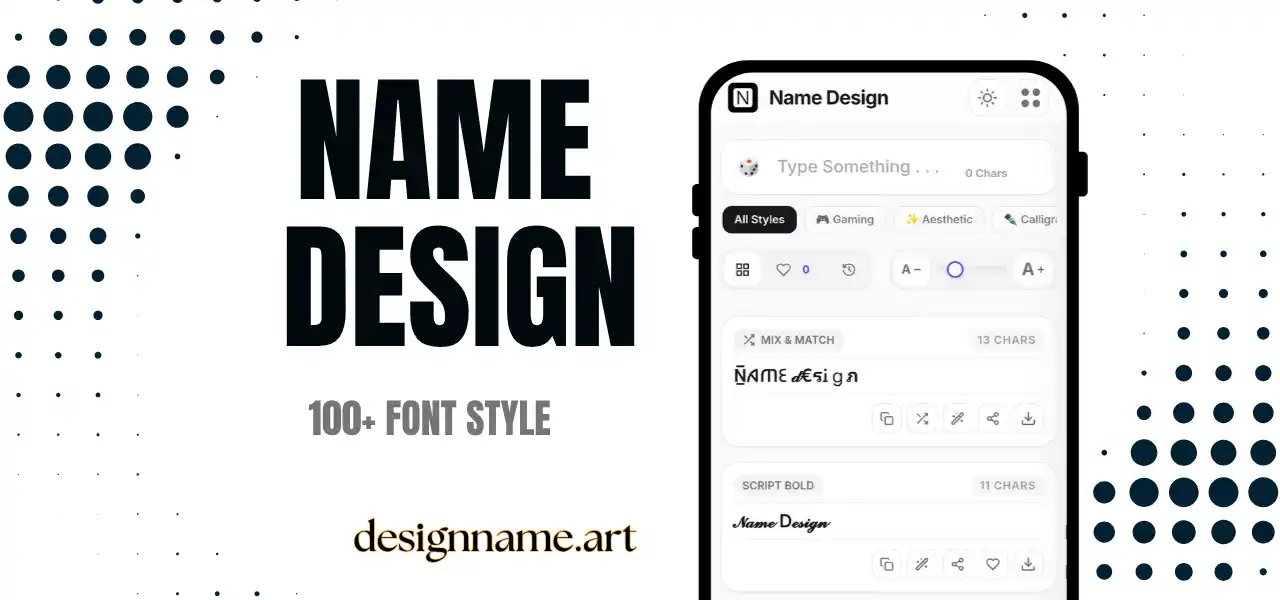
A cursive font generator turns normal typed letters into rounded, slanted characters that resemble handwriting. The letters lean forward, loop and flow, which gives text a warm, human feeling that a standard keyboard font does not.
Cursive writing has a long history in notes, letters, signatures and school lessons. Today it also appears in bios, wedding messages, product names and social captions. Our generator lets you borrow that look in seconds, even if your real handwriting is not your favorite.
It is part of the name design collection, so you can preview each style with your own name before you copy it.
The effect does not use a font download. It relies on Unicode, the shared standard that tells every phone and computer how to show characters. Unicode includes mathematical script and bold script alphabets, which look remarkably like cursive writing.
The generator swaps each letter for its script counterpart and returns the result as normal text. That is why it can be pasted into chats, comments and profile fields that normally allow only plain characters.
A short name in cursive makes a pleasant sign-off at the end of an email, post or message. It looks like a handwritten signature without the effort.
Anniversary posts, birthday wishes and wedding captions feel warmer in script. Use cursive for the names and a simple font for the rest.
Display names, bio headings and board titles in cursive give creative accounts a polished look. Keep your username in plain text for search.
Bakeries, boutiques, florists and handmade shops often rely on script lettering to suggest care and personality. You can test several name ideas here before building a logo.
Think about readability first. Thin scripts look lovely but can become hard to read at small sizes. Bold script usually remains clear, even in tiny display names.
Then think about mood. Light scripts feel romantic and calm, rounded scripts feel friendly, and decorated scripts feel playful. Pick the one that matches the message rather than the one that simply looks fanciest.
Finally, consider length. Cursive suits names, greetings and short phrases. A long paragraph in script is tiring to read, even for people who enjoy the look.
Cursive is the closest to everyday handwriting, which makes it friendly and casual. Calligraphy is more formal and decorative, with dramatic strokes and old-style shapes. Italic text simply slants normal letters, so it keeps a clean, modern look.
If you want a signature feel, choose cursive. If you want a ceremonial feel, try calligraphy. If you want gentle emphasis with maximum readability, use italic.
Most modern phones display script characters correctly, but older devices might show empty boxes. If that happens, try a different script style or check your phone for updates.
Screen readers may announce each cursive character by its long Unicode name, which can be confusing. Use cursive as decoration, and keep any essential information in plain text.
For a romantic profile, try a light script with a small heart at the end. For a creative studio or craft shop, a bold script with a plain tagline looks professional and warm. For a playful personal account, combine rounded cursive with one star or flower. Always preview the name in both light and dark mode, because thin strokes can lose contrast on dark backgrounds.
Type your name in the box at the top, pick a style from the list and tap copy. Save your favorites with the heart, and use the download button to turn a style into an image for invitations, stories and profile graphics.
Quick answers about the cursive font generator.
It is a tool that converts typed text into flowing, handwriting-style Unicode characters that you can copy and paste.
Yes. All cursive styles can be previewed, copied and shared for free, with no account.
Yes. It works in bios, captions and display names. Keep your username in standard characters.
Your device may not have a font for that character. Try another style or update your system.
Bold scripts usually stay readable. Very thin scripts can become hard to read, so test them first.
Yes. Use the download button on any style card and choose a white, transparent or colored background.