0 Chars
 Name Design
Name Design
Name Design
Discord is where friends, clans and communities spend hours talking, so your name there matters. Type it above to preview stylish nicknames, status lines and channel titles, then copy the one you like.
All styles are free and made of plain Unicode text, which Discord displays in most places without any extra tools.
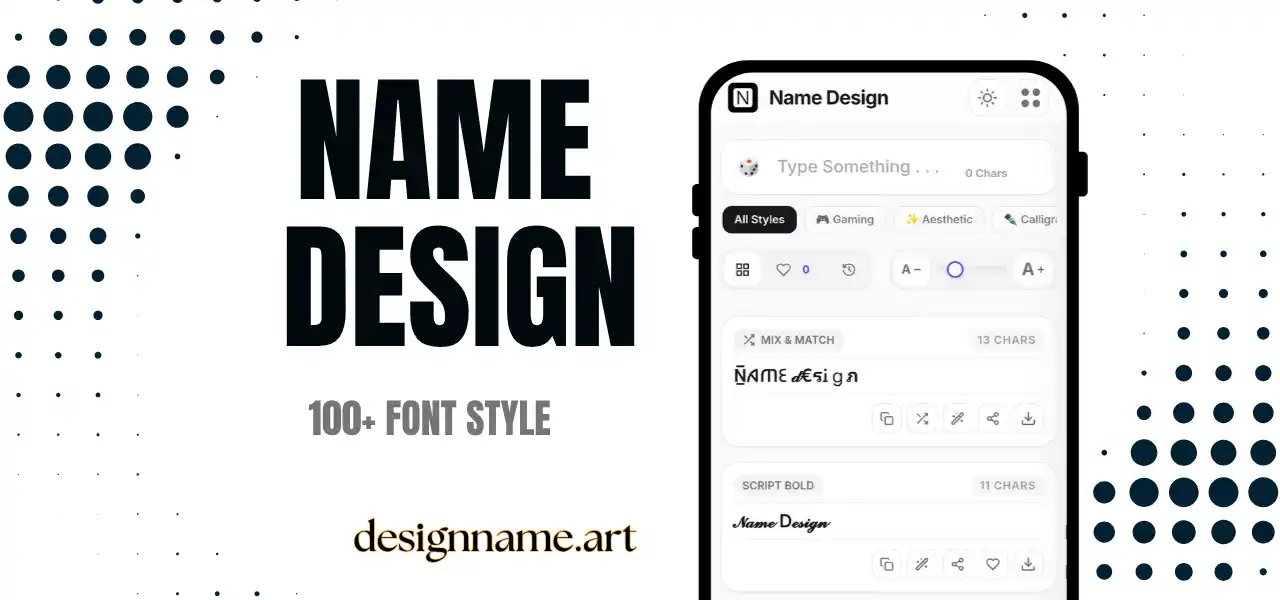
A Discord font generator converts regular text into decorative characters that can be pasted into Discord. Instead of a normal-looking nickname, you can use bold, gothic, double-struck or symbol-wrapped lettering that makes you easy to spot in a crowded member list.
Discord already supports basic formatting, such as bold, italics, underline, strikethrough and code blocks, using markdown characters in messages. But markdown does not work in names, statuses or channel titles. A Unicode generator fills that gap, because the styled characters are real text that Discord treats like any other.
This tool belongs to our name design collection, so each style updates live with your own text.
The styles are not fonts. They come from Unicode, the shared standard that gives every character a code understood by modern apps. Unicode includes bold alphabets, fraktur, double-struck capitals, small caps, enclosed letters and many decorative symbols.
Discord displays Unicode characters in messages, display names, server nicknames, custom statuses and most channel names. The generator swaps your letters for those characters and gives you plain text to copy and paste.
Account usernames are more restricted than display names, so do not expect every symbol to work there. If a character is rejected, it is usually because that field accepts only simple characters.
A gaming clan usually wants strong shapes: bold, gothic or squared letters. Study groups and friendly communities often prefer soft styles such as small caps or light script. Art and music servers can go further, using decorative symbols and wide letters.
Consistency matters more than variety. If all moderators use the same style and symbol, members instantly know who to ask for help. If every channel uses a different font, the sidebar becomes noisy.
Styled names can be harder to search. If members type "alex" into the member search, a fancy version of "Alex" may not appear. For that reason, many servers ask staff and long-time members to include a plain-text version somewhere, such as in the profile bio or role.
Moderation also matters. Many servers block unreadable or hard-to-mention names, because nobody can tag them easily. If your server has rules about nicknames, follow them, and avoid copying symbols that imitate staff roles or official badges.
Type your nickname in the box at the top, pick a style from the list, then tap copy. Open Discord, edit your server profile or display name, and paste the result. Save good styles with the heart so you can reuse them, or download a style as an image for a server banner idea.
Most devices show Discord Unicode text correctly, but rare characters can appear as empty boxes on older phones. If that happens, switch to a common style such as bold or small caps.
People who use screen readers may hear every decorative character read out in full, which can be tiring. Keep important announcements in plain text, and use decorative names for identity rather than for essential information.
Quick answers about the discord font generator.
Yes. Discord supports Unicode characters in most names, statuses and messages, so styled text from this generator can be pasted in. Some account fields are more restricted.
Yes. Every style is free to preview, copy and share with no account.
Usually yes, but older phones may show empty boxes for rare characters. Test the name on your phone.
Some fields, such as usernames, accept only simple characters. Try using the style in your display name or server nickname instead.
Yes, server owners can paste styled text into channel names, though Discord may change spaces or some symbols.
They can be harder to find because search usually matches plain text. Consider adding a plain version in your bio.