0 Chars
 Name Design
Name Design
Name Design
A strong Free Fire nickname shows up in every lobby, kill feed and squad screen. Type yours above to preview stylish designs with symbols, small caps and sharp lettering, then copy your favorite.
The tool is free, instant and creates plain Unicode text, so you can test your new look in a matter of seconds.
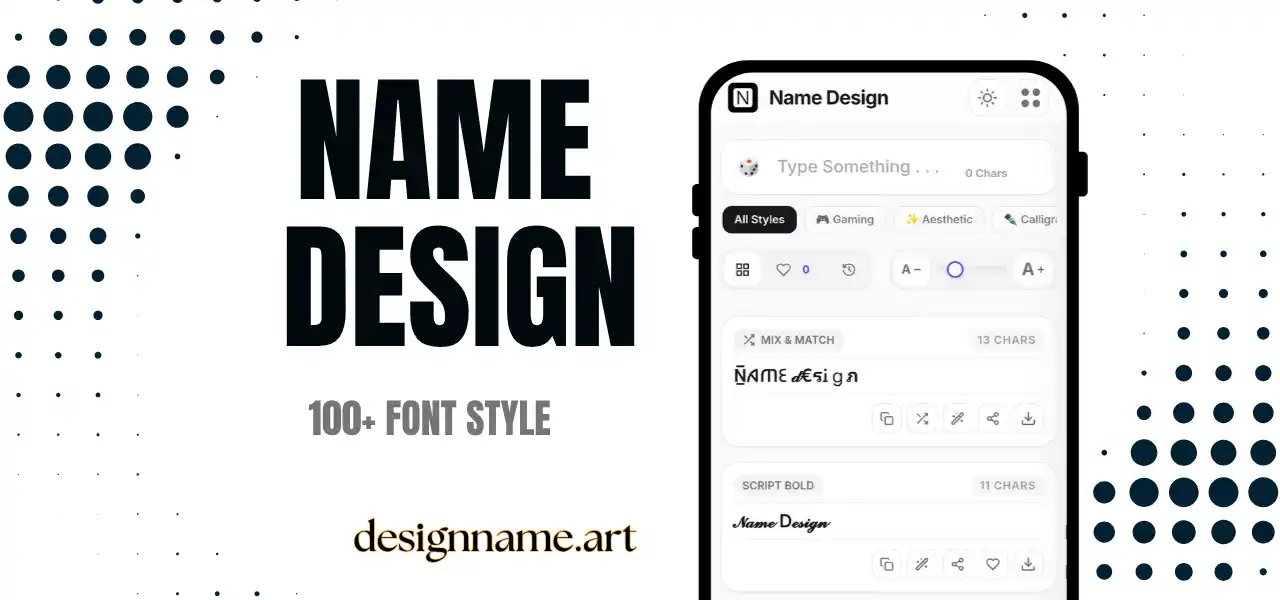
A Free Fire name generator restyles your nickname with decorative Unicode characters, so a simple handle looks sharper and more memorable. Instead of guessing which symbols might look good, you see many versions at once and choose the one that suits your style.
Garena Free Fire is a fast mobile battle royale where matches are short and players meet new teammates all the time. A distinctive name helps squadmates remember you and gives rivals something to notice in the kill feed. It will not improve your aim, but it contributes to your identity inside the game.
This page belongs to our name design collection, so each style updates live with your own text.
Every result is plain text built from Unicode, the global standard that gives each character its own code. Unicode includes small capitals, bold alphabets, gothic letters, enclosed characters and many symbols such as crosses, swords, stars and bolts.
The generator replaces your letters with these characters and can wrap the nickname in decorations. You copy the final text and paste it where the game allows custom symbols.
It helps to separate three things. Your nickname is the name that other players see and is the one you can style. A guild tag is a short team label that is usually written in front of or next to your name. Your player ID is a numeric identifier that identifies your account and does not depend on any styling.
Because your ID is a number, friends can find you even when your nickname is difficult to read. This is good news for stylish names, since a decorative nickname does not prevent someone from adding you.
Start with a base word that is short and easy to say. Squads talk quickly, and a name that is too long or too strange will not be used. Two syllables are ideal.
Think about your role. Rushers often prefer aggressive shapes with bolts and swords. Snipers and support players may like cleaner lettering and fewer symbols. Content creators should consider how the name looks in a video thumbnail and a small chat overlay.
Add styling last. A good name with a little decoration is more memorable than a mediocre name covered in symbols.
Games often filter some characters. A symbol that works in your lobby might be rejected during a name change, or replaced by an empty box on another device. Because rules can change with updates, always test a short version before you commit to the final one.
Changing a nickname often costs an in-game item, so preview the exact text carefully before confirming. Copy the text exactly as shown, and check it on your own phone.
Many players use the same style on YouTube, Instagram and Discord, so their audience recognizes them everywhere. Save your favorites with the heart button and use the download button to export a style as an image for a channel banner or a team post.
When you share your name publicly, keep a plain version in the description so friends and viewers can search for it.
This tool only produces text. Never give your account password, verification codes or login details to anyone who offers free diamonds, free name changes or special styles. Real changes happen inside the game, and websites that ask for your login are scams.
Some phones may show empty boxes for rarer symbols. If that happens, choose a more common style such as small caps or bold. Test the name on at least one other phone, because rendering varies between devices.
Quick answers about the free fire name generator.
Yes. You can preview, copy and share every style for free with no login.
No. The game may block or replace some characters and the rules can change with updates. Test a shorter version first.
The nickname is the name you can style. The player ID is a numeric identifier for your account and is not affected by styling.
Put a short tag before or next to your nickname, separated by a bracket or a small symbol.
Your device may lack a font for that character. Switch to a more common style such as small caps or bold.
The text itself is safe. Never share your account password or codes with websites that promise free items.