0 Chars
 Name Design
Name Design
Name Design
An aesthetic font can turn a plain name into a small piece of mood. Type your name above, scroll through the soft scripts, wide letters, sparkles and moon symbols, and copy the one that matches your vibe.
Everything on this page is free, works on phones and desktops, and gives you plain text you can paste into almost any app.
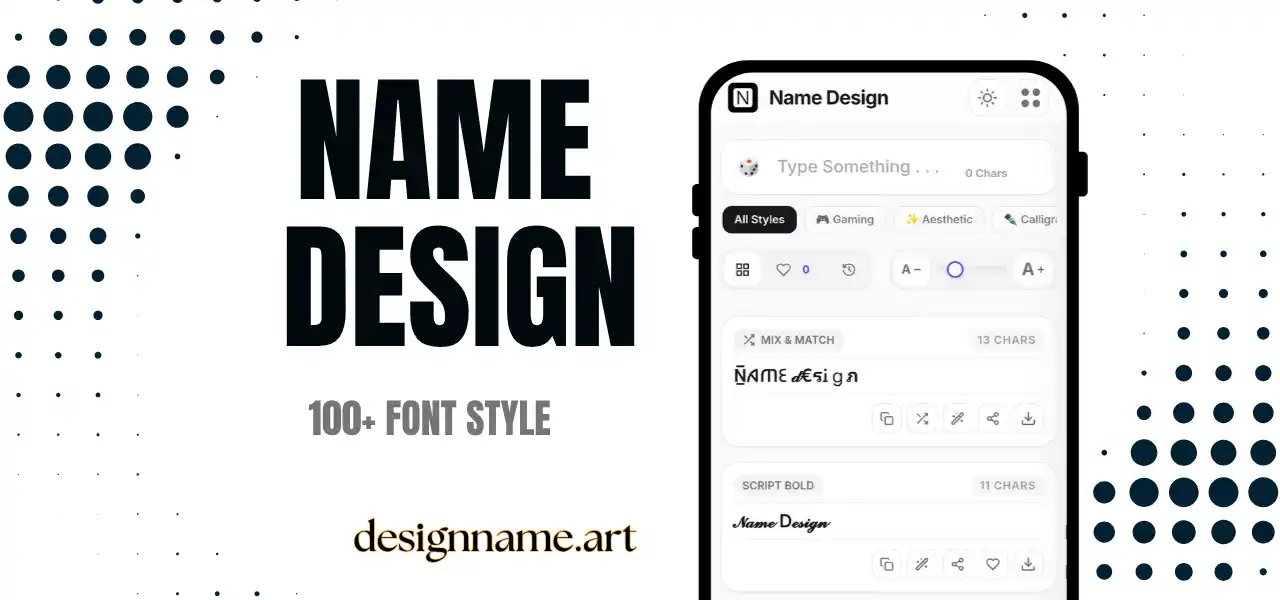
An aesthetic font generator converts ordinary letters into decorative look-alike characters, then lets you wrap them with delicate symbols such as stars, hearts, clouds and crescent moons. The result is a name that feels calm, dreamy and intentional rather than default.
The word "aesthetic" online describes a consistent visual mood. One person might love pastel softness, another prefers dark academia, and someone else enjoys minimal black and white. Aesthetic text is the typographic part of that mood. When your display name, bio and captions share the same tone, your profile reads as a complete style instead of a random collection of posts.
This tool is part of our wider name design collection, so every aesthetic style can be previewed live with your own name before you copy it.
Nothing here is a downloadable font. Each style is built from Unicode, the shared standard that lets phones, browsers and servers agree on every character. Unicode includes full-width letters, mathematical scripts, tiny capitals, circled letters and hundreds of ornamental marks.
When you type, the generator swaps every letter for a matching character from one of those sets. Because the output is simple text, it survives copy and paste. You do not need an app, a keyboard or a special setting.
Display names and bios are the best places for aesthetic text. A single styled word, followed by two or three small symbols, can make your profile memorable in a crowded feed. Keep your username plain so friends can still find you through search.
Server nicknames, channel titles and status messages accept Unicode well. A soft nickname can separate you from the hundreds of default usernames in a large server.
Digital planners, notes apps and Pinterest descriptions look more personal with a styled heading. Use it for titles only, and keep the body text normal so it stays easy to read.
Short captions, song lyric snippets and mood words work beautifully in decorative text. Long paragraphs do not, because styled characters are harder to read at length.
A strong aesthetic name follows a few simple rules. Choose one main letter style and stay with it. Add a maximum of two or three symbols, placed at the edges or between words rather than inside every letter. Match the symbols to your theme: moons and stars for night themes, flowers and hearts for soft themes, plain lines for minimal themes.
Next, think about rhythm. Names with natural pauses, such as two short words, take decoration more gracefully than one long word. If your name is long, style only the first part and leave the rest simple.
Finally, repeat the pattern. When the same symbol appears in your name, your bio and your highlights, people begin to recognize your profile before they read it.
Symbols and emoji do different jobs. Unicode symbols, such as stars and arrows, usually take the color of the surrounding text, so they blend in quietly. Emoji bring their own colors and can dominate a name quickly. For an aesthetic look, prefer symbols inside the name and reserve emoji for the end of a bio line.
Pastel emoji such as a cloud, a flower or a sparkle usually look better than bright, high-contrast ones. If you are unsure, test the name on both light and dark mode before you commit.
Not every device shows every character. If you see empty boxes, the device lacks a font for that symbol. Switching to a more common style, such as wide letters or small caps, usually fixes it.
Screen readers may also read decorative characters oddly, or skip them. For that reason, keep your real name or brand in plain text somewhere on your profile, and use aesthetic text as decoration rather than the only way people can identify you.
Quick answers about the aesthetic font generator.
An aesthetic font is a decorative text style, usually soft, wide or ornamental, that gives a name or caption a particular mood. On this page it is created with Unicode characters, so you can paste it anywhere without installing anything.
Yes. Every style is free to preview, copy and share, with no sign-up and no watermark.
Yes. It works well in display names, bios and captions. Keep your username plain so people can still search for you.
The device does not have a font that includes that character. Try a more common style such as wide letters or small caps.
Some games accept them and others filter special characters. Test a short version first and keep a plain backup name ready.
Use one style, add two or three small symbols at most, and make sure the name is still easy to read at a glance.