0 Chars
 Name Design
Name Design
Name Design
Facebook posts compete with a busy feed, and a little formatting helps yours get noticed. Type your text above and explore bold, italic, script and symbol styles that you can copy straight into a post, bio or comment.
Everything here is free and made of plain text, so it works without extensions, apps or special keyboards.
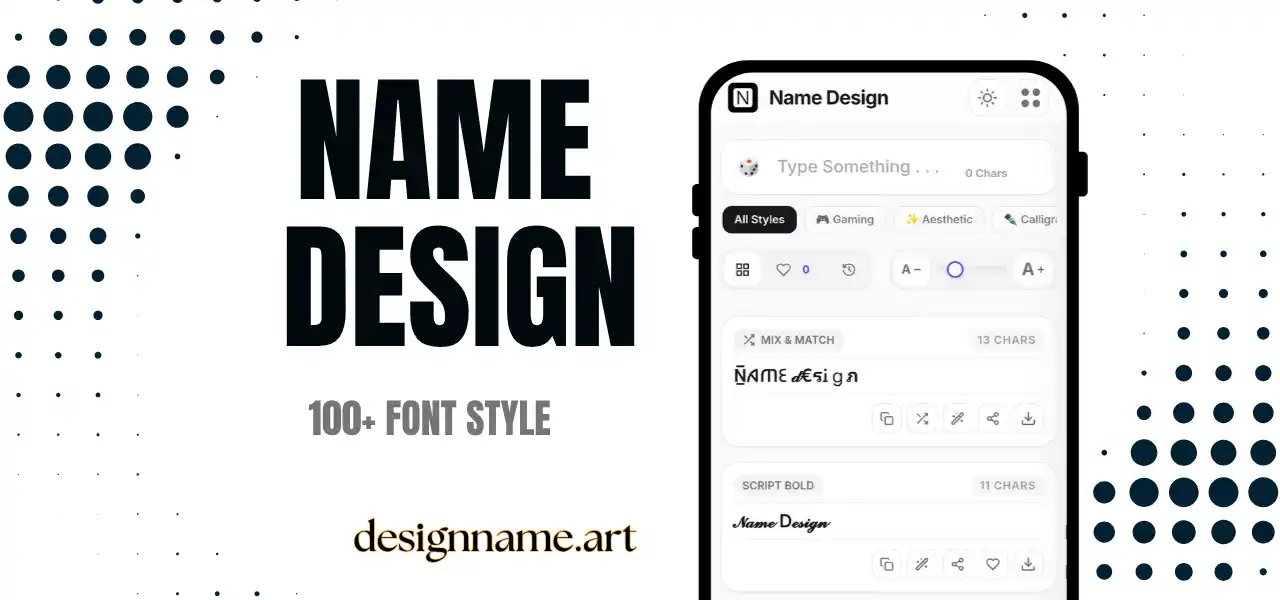
A Facebook font generator converts ordinary text into styled characters that you can paste into Facebook. The platform does not offer many formatting tools in regular posts and comments, so these tools fill a real gap, letting you emphasize a word, create a heading or add personality to a short bio.
Each style is built from Unicode characters rather than a font file. That is the reason the result still looks styled when you paste it into a post, a comment or a profile field, with no extra software.
This page is part of our name design collection, so you can preview your text in every style before you copy it.
Behind every result is Unicode, the shared standard that gives every character a code that apps understand. Unicode includes bold and italic alphabets, script and gothic letters, small capitals and many symbols.
The generator replaces each letter you type with its styled counterpart and gives back plain text. Facebook displays these characters like any others, as long as the device supports them, so your post looks the same for most readers.
A single bold word at the start of a post works like a headline. It is especially effective for announcements, giveaways, event reminders and community notices.
Short comments in a styled font can stand out in a long thread, though use this sparingly. One styled phrase is lively, while an entire discussion in fancy letters is hard to read.
Your intro, work line and quote are good places for light decoration. A clean style, such as bold or small caps, looks professional while still having personality.
Page owners and group admins can use styled text in descriptions, rules and event details to guide attention. Make sure essential information remains readable in plain text too.
Facebook has policies about the name you use on your personal profile, and styled or unusual characters may not be accepted or may lead to problems. These rules can change, so read the current guidelines before trying to change a profile name. Use styled text in posts, bios and descriptions rather than in your account name.
Business pages and groups have their own naming guidelines too. When in doubt, keep the official name in plain text, and use styled characters only for decoration elsewhere.
Think about the goal. If you want people to notice a deadline, bold is best. If you want a warm greeting, script is better. If you want a joke or a correction, strikethrough works well.
Then think about the audience. Younger followers tend to enjoy playful styles, while older readers may find decorative text harder to read. Aim for readability first, because Facebook users often scroll quickly on small screens.
Finally, keep the amount low. A bold word or phrase is memorable, but a whole paragraph in styled letters tires the eye.
Search tools and screen readers usually work with plain text, so styled words may be harder to find. If a keyword matters, such as a product name or a location, keep at least one plain-text version in the post.
Also remember that decoration does not replace good content. Clear writing, useful information and a strong image matter more than a fancy font.
Type your sentence at the top, browse the styled cards and tap copy. Paste it into your Facebook post box. Save favorites with the heart button, and use the download button to turn a style into an image for a cover photo or announcement graphic.
Most phones show these characters correctly, but a few older devices may display empty boxes. If that happens, choose a simpler style such as bold or italic.
Screen readers might read styled characters one by one with their long Unicode descriptions. Keep important details, such as prices, dates and links, in plain text so every follower can use them.
Quick answers about the facebook font generator.
Yes, in posts, comments and bios you can paste Unicode styled text from this generator. Facebook does not offer these styles natively.
Yes. Every style is free to preview, copy and share with no account.
Facebook has name policies and unusual characters may be rejected. Check the current guidelines and use styled text in posts and bios instead.
Your device may lack a font for those characters. Choose a simpler style such as bold or italic.
Search usually matches plain text, so keep key words in plain letters at least once in your post.
Type your text in the box above, copy the bold style and paste it into your Facebook post or comment.