0 Chars
 Name Design
Name Design
Name Design
Italic text leans forward to add gentle emphasis or a touch of style. Type your words above and compare sans italic, serif italic and bold italic styles, then copy the one that suits your message.
The tool is free, instant and made of plain text, which means it can be pasted into many apps that have no italic button.
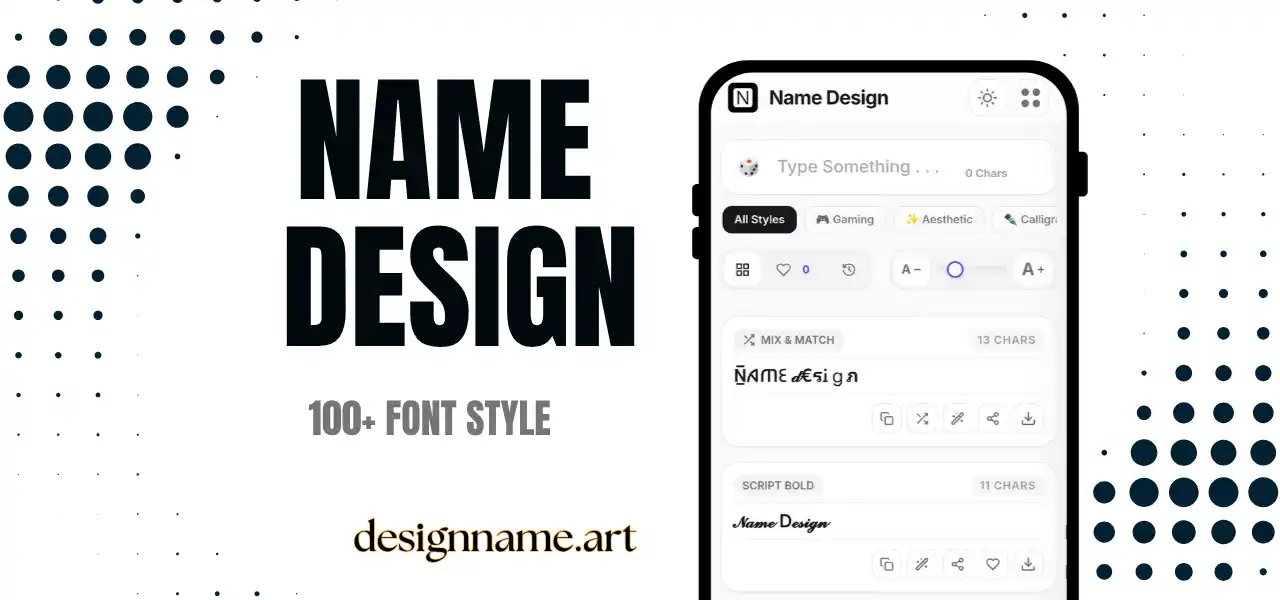
An italic text generator converts ordinary letters into slanted characters, so you can use italics in places where formatting buttons are not available. Many bios, usernames, comment boxes and chat fields accept only plain text, and a generator gives you a quick way to add emphasis anyway.
Italics have a long history in printing. They were first used to save space and create a flowing look, and today they are used for emphasis, titles, quotations, foreign words and thoughts. Online, they also act as a soft style choice, calmer than bold and cleaner than a script.
This page belongs to our name design collection, so each style updates live with your own text.
Every result uses Unicode, the shared standard that gives each character a unique code so that phones and computers agree on what to display. Unicode contains italic alphabets for sans-serif and serif designs, along with bold italic versions.
The generator replaces each letter with its italic counterpart and returns the result as ordinary text. Because it is plain text, it can be pasted into profiles, posts and messages that do not have formatting controls.
A short italic line under your name looks gentle and polished. It works well for quotes, job titles and mottos.
Italics help set apart a quote, a side thought or a title. They also give a pause in a long caption, which makes reading easier.
Some apps have their own italic formatting. For example, WhatsApp uses underscores around a word, and Discord uses asterisks. If you are not sure the app supports formatting, or you want the text to look italic everywhere, pasted italic characters are a reliable option.
Writers can mark thoughts, flashbacks or foreign words in plain-text notes, and teachers can emphasize key terms in simple chat tools.
Decide on the tone. Sans italics look modern and casual, while serif italics look traditional and literary. Bold italics feel confident and energetic.
Then consider readability. Regular italics are easy to read in short lines, and bold italics usually stay clear at small sizes. Thin or very decorative slanted styles can be harder to read on a busy screen.
Finally, consider the context. Use italics for emphasis and tone, not for large blocks of text, because slanted letters slow most readers down when used for paragraphs.
Bold text adds weight, so it shouts. Italic text adds slant, so it whispers. Cursive text adds handwriting-style connections, so it feels personal. Choosing between them depends on how loud or soft you want the message to be.
If you want maximum clarity, use bold. If you want gentle emphasis, use italic. If you want a romantic or handwritten feel, try cursive. Many profiles combine one bold line with one italic line for a balanced hierarchy.
Most devices display italic Unicode letters properly. A few older devices might show empty boxes, which you can fix by switching to a different style or updating the system.
Screen readers can treat these characters differently from normal letters. Some will read each one with a long description, such as "mathematical sans-serif italic small a". For this reason, use pasted italics for short phrases and put essential information in plain text.
Type your sentence at the top, browse the italic cards and tap copy on your favorite. Paste it into your bio, post or message. Save good styles with the heart, and use the download button to export a style as an image for quote cards and stories.
Quick answers about the italic text generator.
It is a tool that converts typed text into slanted Unicode characters, so you can use italics where formatting buttons are not available.
Yes. All italic styles are free to preview, copy and share with no account.
Yes, pasted italic characters usually work in bios, posts and chats. WhatsApp and Discord also offer their own italic formatting.
Your device may not have a font for those characters. Try another style or update your system.
Not fully. Screen readers may read each character oddly, so use it for short phrases and keep important text plain.
Italic only slants the letters. Bold italic slants them and adds weight for stronger emphasis.